Image Compressor
Reduce image file size and download a lighter version. JPG, PNG and WebP supported by your browser.
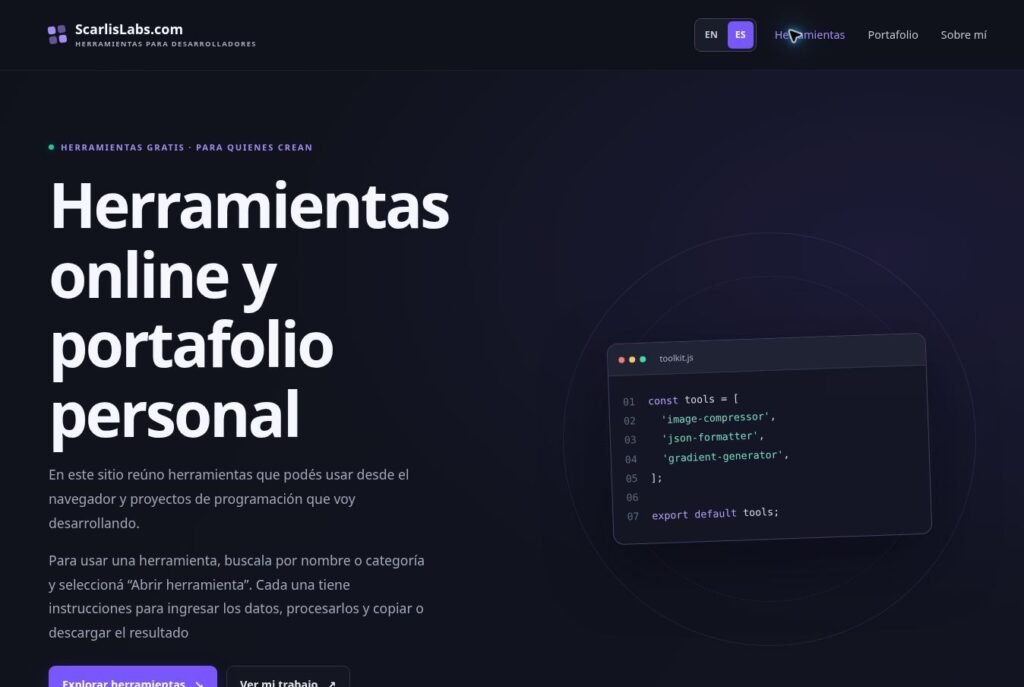
Open tool ↗This site brings together tools you can use in your browser and programming projects I am developing.
To use a tool, find it by name or category and select “Open tool”. Each one includes instructions for entering data, processing it, and copying or downloading the result.
Choose a tool to read its instructions and start using it. You can filter by category or search by name.
Reduce image file size and download a lighter version. JPG, PNG and WebP supported by your browser.
Open tool ↗Format, validate or minify JSON data. Catch syntax errors and make nested data easier to read.
Open tool ↗Create a gradient visually, preview it instantly and copy production-ready CSS.
Open tool ↗Convert HEX colors to RGB and HSL values for CSS, UI design and development.
Open tool ↗Convert JPG, PNG and WebP in batches. Download each image or a ZIP.
Open tool ↗Set pixel dimensions, keep proportions or crop with a live preview.
Open tool ↗Create static QR codes for links, text and Wi-Fi. Download PNG or SVG.
Open tool ↗Create spreadsheets from templates or edit an XLSX or CSV with simple forms.
Open tool ↗No tools match your search. Try another keyword.
Choose an image, select an output format and quality, then download the optimized file. Processing happens in your browser.
Paste JSON to validate it, format it with indentation or minify it into a compact string.
Adjust the colors and angle. The preview and CSS update automatically.
Pick a color or enter a HEX value to get HEX, RGB and HSL formats.
Here you can browse the projects I publish, learn how they work and access demonstrations or repositories when available.
I am a programmer working with web development, WordPress, C# and Unity 2D. Here I share what I am creating and documenting.
The tools on this site are also part of my portfolio: you can try them to see how they work.
Use the search box or categories to find a tool. In the portfolio you can browse my projects, and in About you can learn about the technologies I use.